Product &
Experience
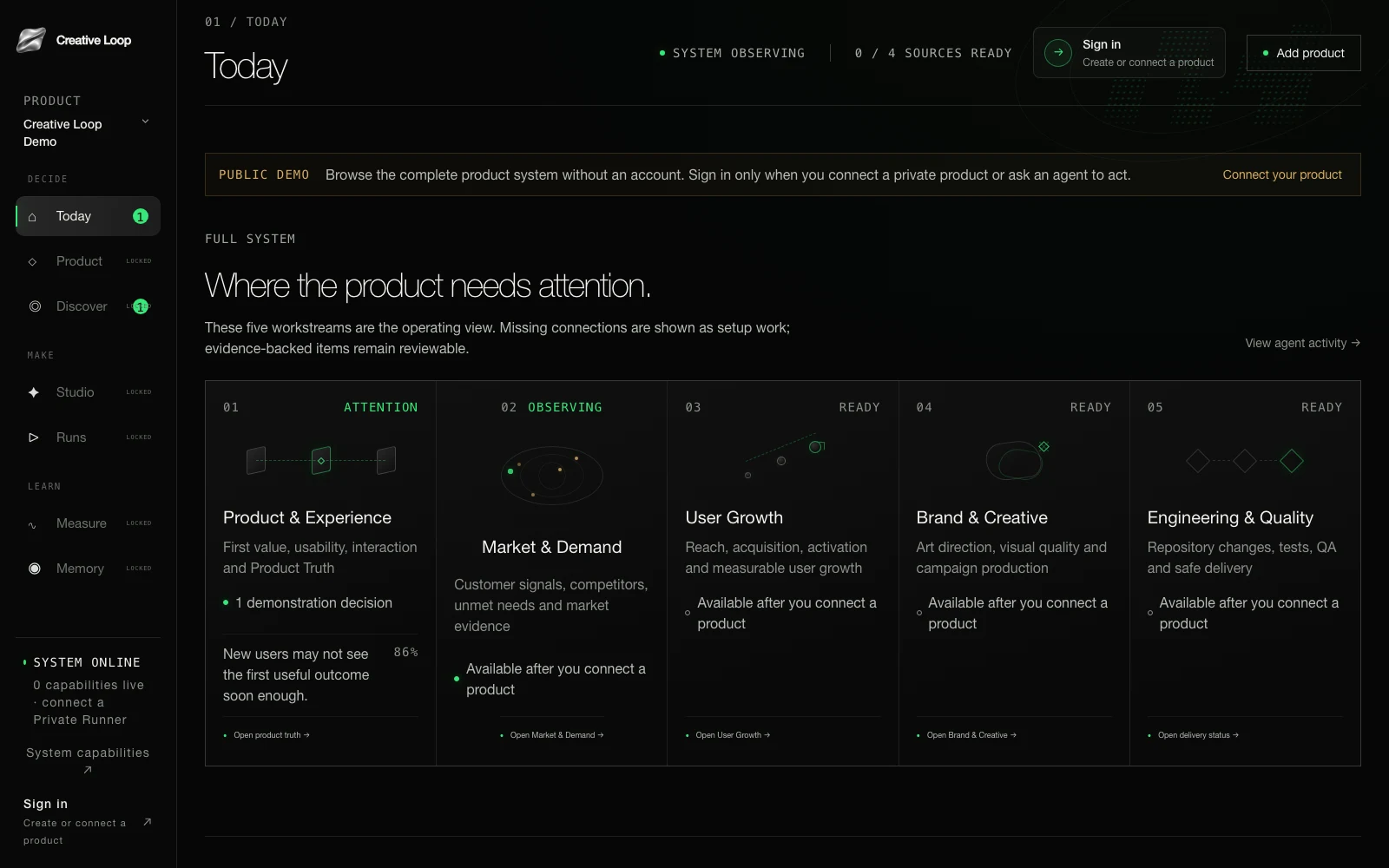
Understand the core experience and explore where design could make it clearer and more useful.
AI product design & development
Your product.
Better by design.
Improve the product you already have—from user flows and interactions to visual design and the details that give it character. Compare before and after, refine with AI, and move the approved direction into working code—all in one workspace.
01 / THE SYSTEM
Make the core experience clearer, more intuitive and more distinctive.
Bring your existing product into Creative Loop. Explore improvements to its flows, interactions and visual language, then shape the next version with AI. Product analysis, Radar, market trends and real user feedback inform the design, keeping each proposal connected to the people using it.
02 / CONNECTED BY DESIGN
Understand the core experience and explore where design could make it clearer and more useful.
Radar, trends and user feedback bring relevant perspectives into design exploration.
Connect design choices to first value and activation. Observe results when events are connected.
Bring a coherent point of view to typography, composition, interaction and brand character.
Turn approved design work into code and checks through a connected Local Runner.
03 / CREATIVE INTELLIGENCE
Better flows. Stronger visuals. A point of view.
Good product design connects what a product does with how it feels to use. Creative Loop brings product thinking, interaction design and visual craft into the same creative process.
Explore alternative directions with AI. Refine the flow, hierarchy, typography and details together, while preserving the character that makes your product yours.
04 / MAKE THE CHANGE VISIBLE
Bring the existing experience and the proposed design into the same conversation. Explore the changes, try the interaction and guide the next version with feedback.
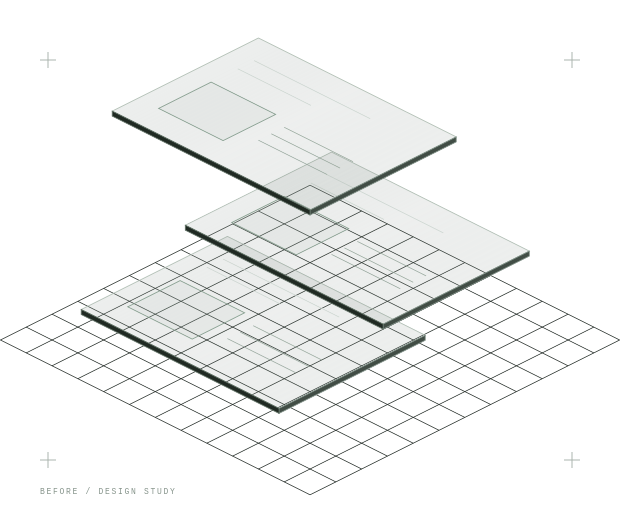
01 / THE EXISTING EXPERIENCE
Look at the flow, the interface and the moment a person meets your product. Use the current experience as the starting point for a specific design improvement.
What could feel clearer, simpler or more compelling?
Workflow illustration. Actual comparisons depend on the product materials and previews connected to your case.
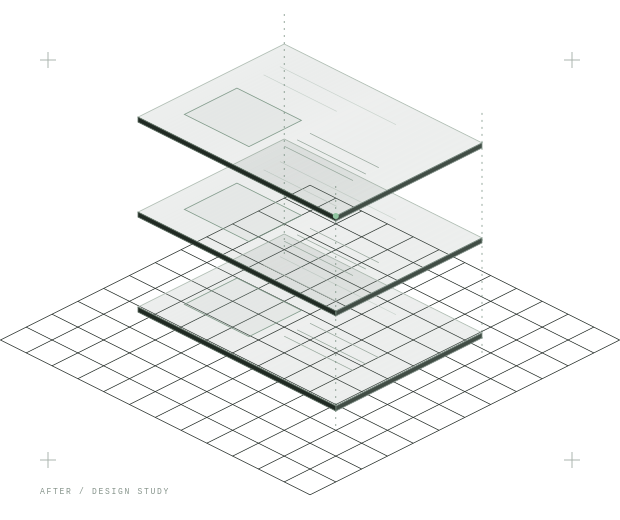
02 / THE PROPOSED DESIGN
Compare the proposed flow and visual direction with the original. Explore what the person sees, what they can do and how the experience responds.
A design you can respond to—not just a suggestion to interpret.
Interactive concept generation is a preview capability with an AI provider connected.
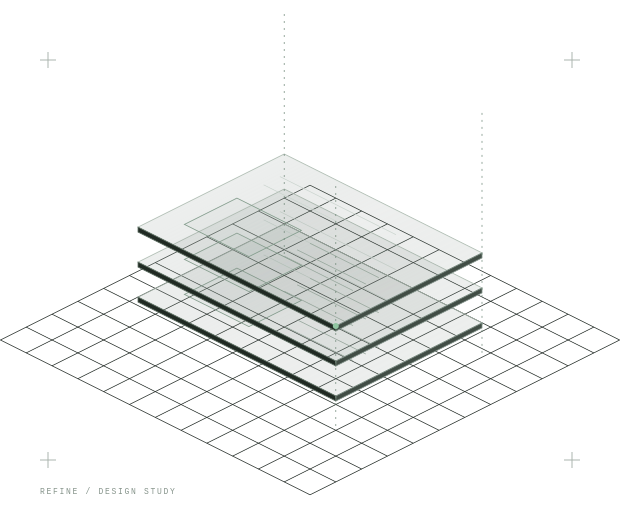
03 / REFINE THE EXPERIENCE
Ask AI to adjust the interaction, refine the visual hierarchy or explore a different direction. Keep each revision connected to the original intent.
DESIGN → FEEDBACK → NEXT VERSION Keep what works. Shape what comes next.
Review the revised proposal before moving it into implementation.
05 / YOUR WORKSPACE
Product understanding, design exploration, feedback and code stay connected. Carry the chosen direction forward without rebuilding the brief at every step.
Start with its existing experience, visual language and the people it serves.
PRODUCT · DISCOVERExplore product flows, interaction ideas and visual directions around a focused improvement.
STUDIOReview the original and proposed experience. Give feedback and shape the next iteration.
TODAY · RUNSMove approved work into code, review the checks and keep design decisions with the implementation.
LOCAL RUNNER · RUNS06 / DESIGN INTO DELIVERY
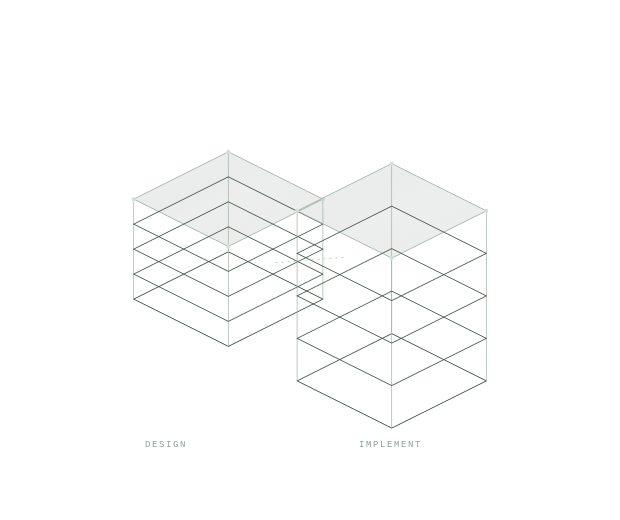
Carry the design into your existing codebase. With a connected Local Runner, AI prepares the implementation and checks so you can review the work before release.
The chosen flow, visual references and feedback stay connected to the work.
A connected Local Runner works in your selected repository to prepare code changes.
Inspect the implementation, available previews and checks, then review the draft pull request.
Bring feedback and connected product events back into the next design decision.
CREATIVE LOOP · PRIVATE BETA
For founders and small teams improving an existing product. Bring product design, interaction, visual craft and AI-assisted implementation into one workspace. Explore the private beta.